
Claris Studio
Data that drives decisions.
Give your team instant insights from Claris FileMaker data by letting them filter, group, and visualize information in Claris Studio's secure, controlled workspace.
Eligible customers have access to Claris Studio.
Learn moreNeed help updating to the latest version of FileMaker? Contact us








Powerful. Secure. Connected.
Claris Studio brings FileMaker data to life. Access information from FileMaker, visualize data in new ways, and turn insights into action with real-time, secure, and responsive tools.

Connectivity.
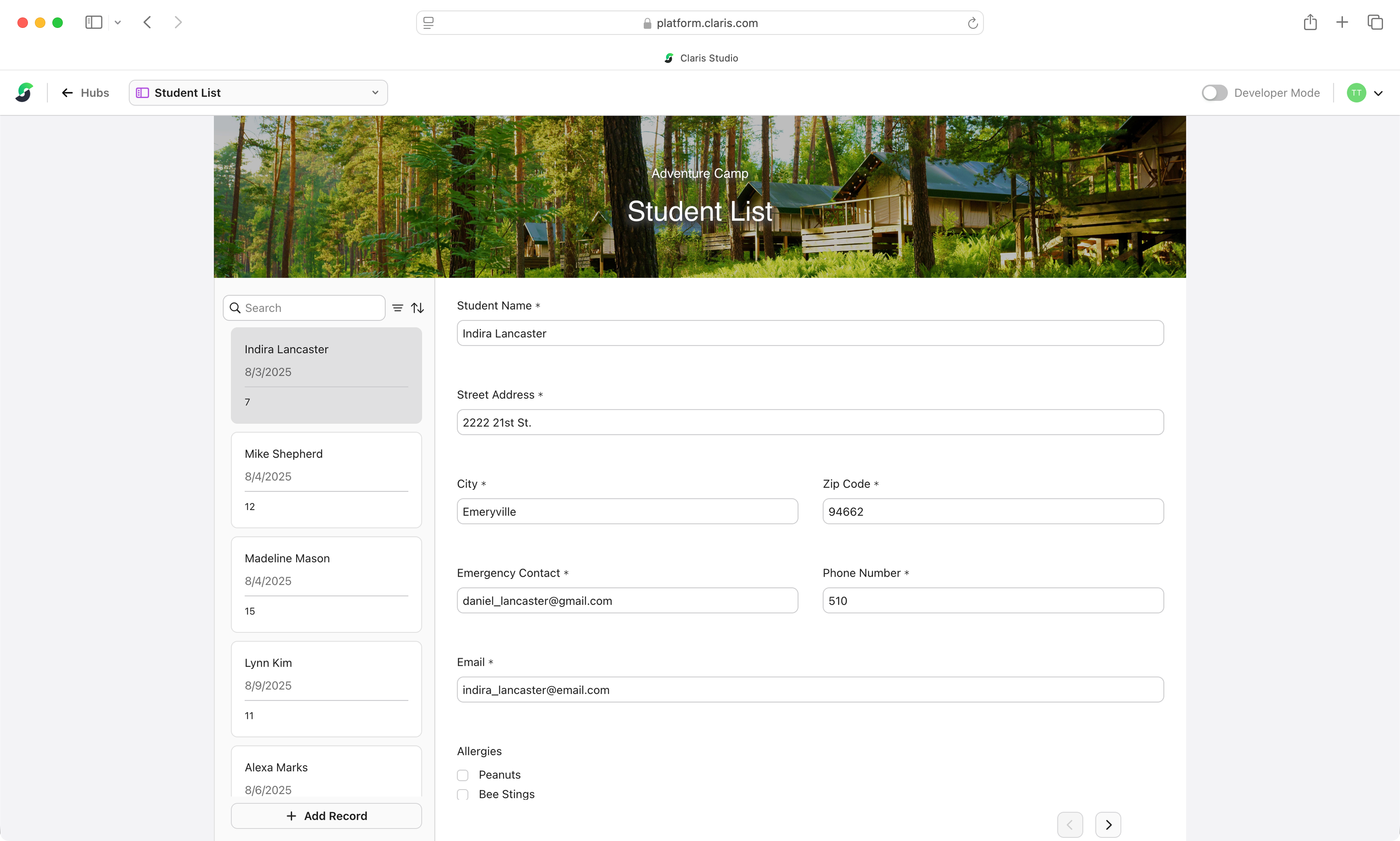
A two-way connection to FileMaker keeps data synced seemlessly, ensuring all web views stay current.

Permissions.
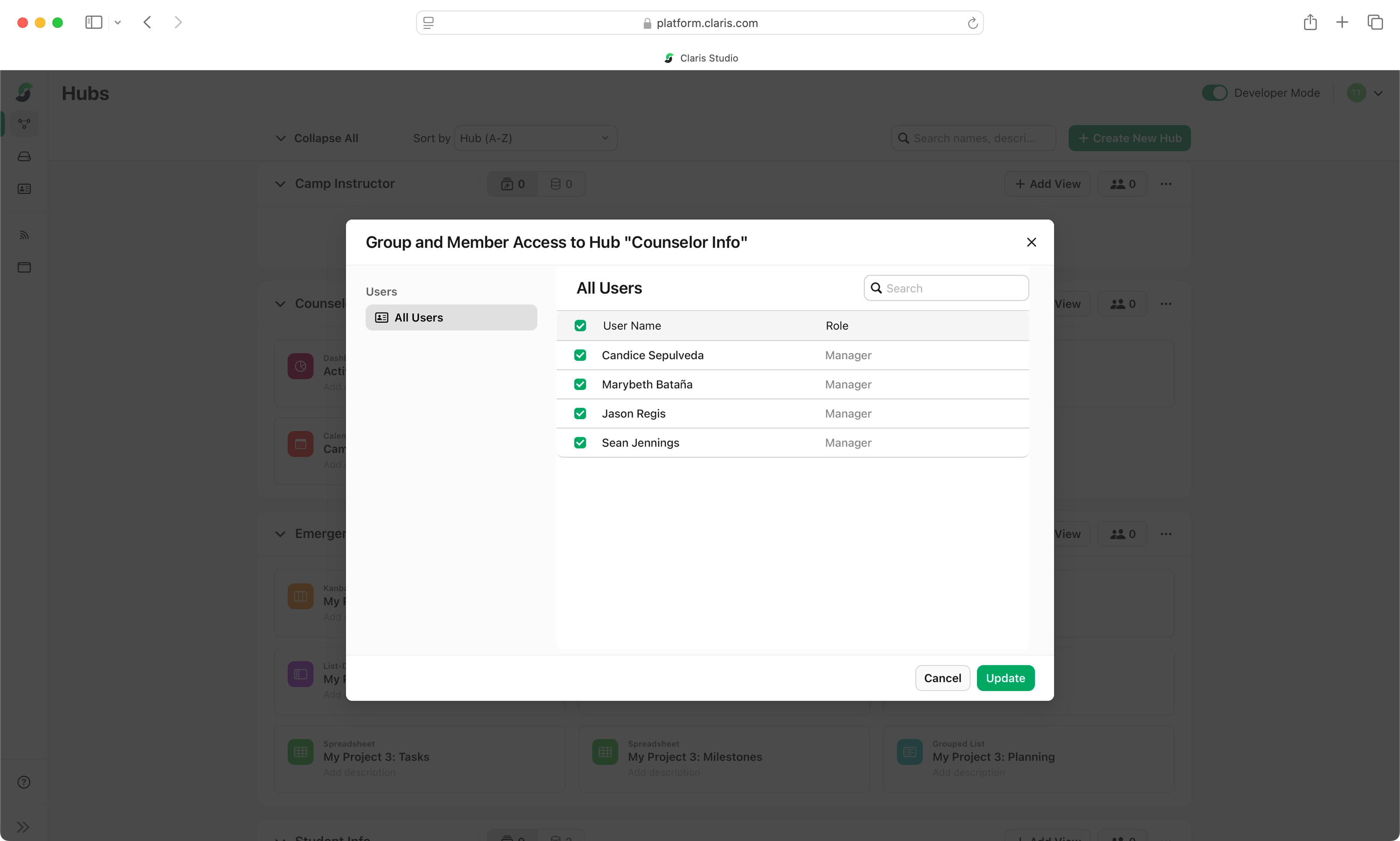
Control who can access specific hubs, views, and records through flexible, role-based permissions.
Data capture.
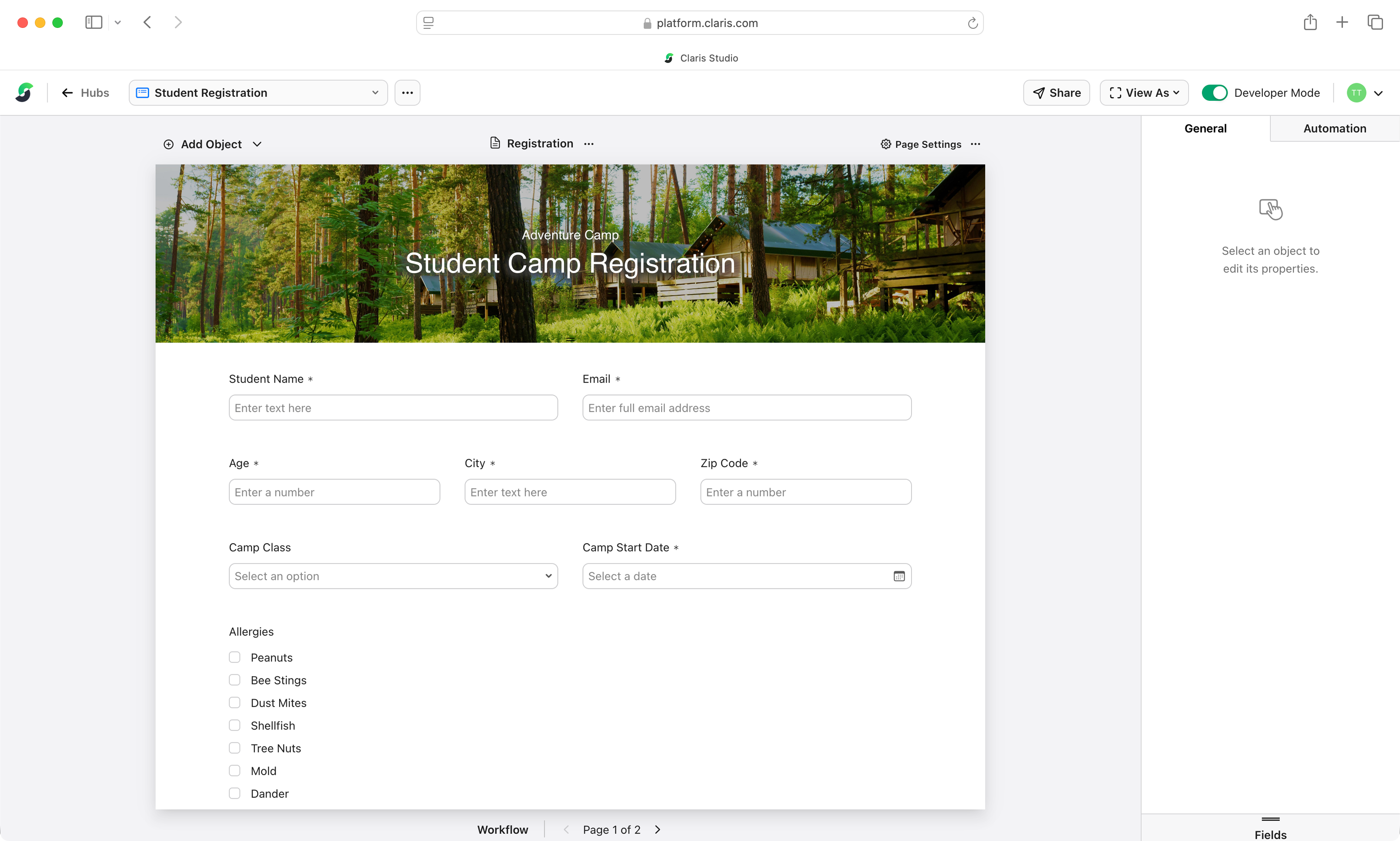
Collect structured data through responsive web forms that feed directly into FileMaker.

Browser-native access.
Create and share responsive forms, dashboards, and views that work across Safari, Chrome, and Edge.

Insights.
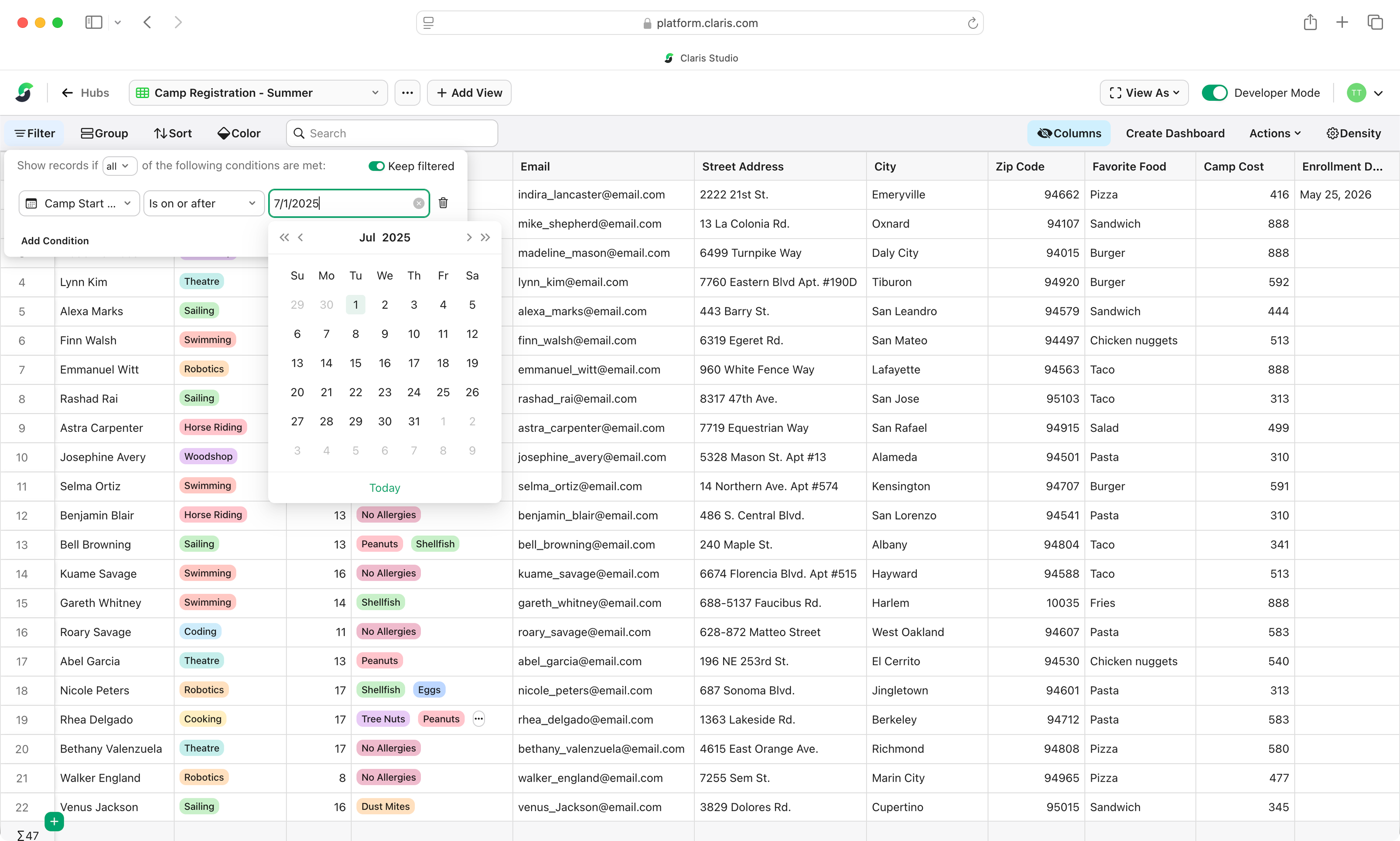
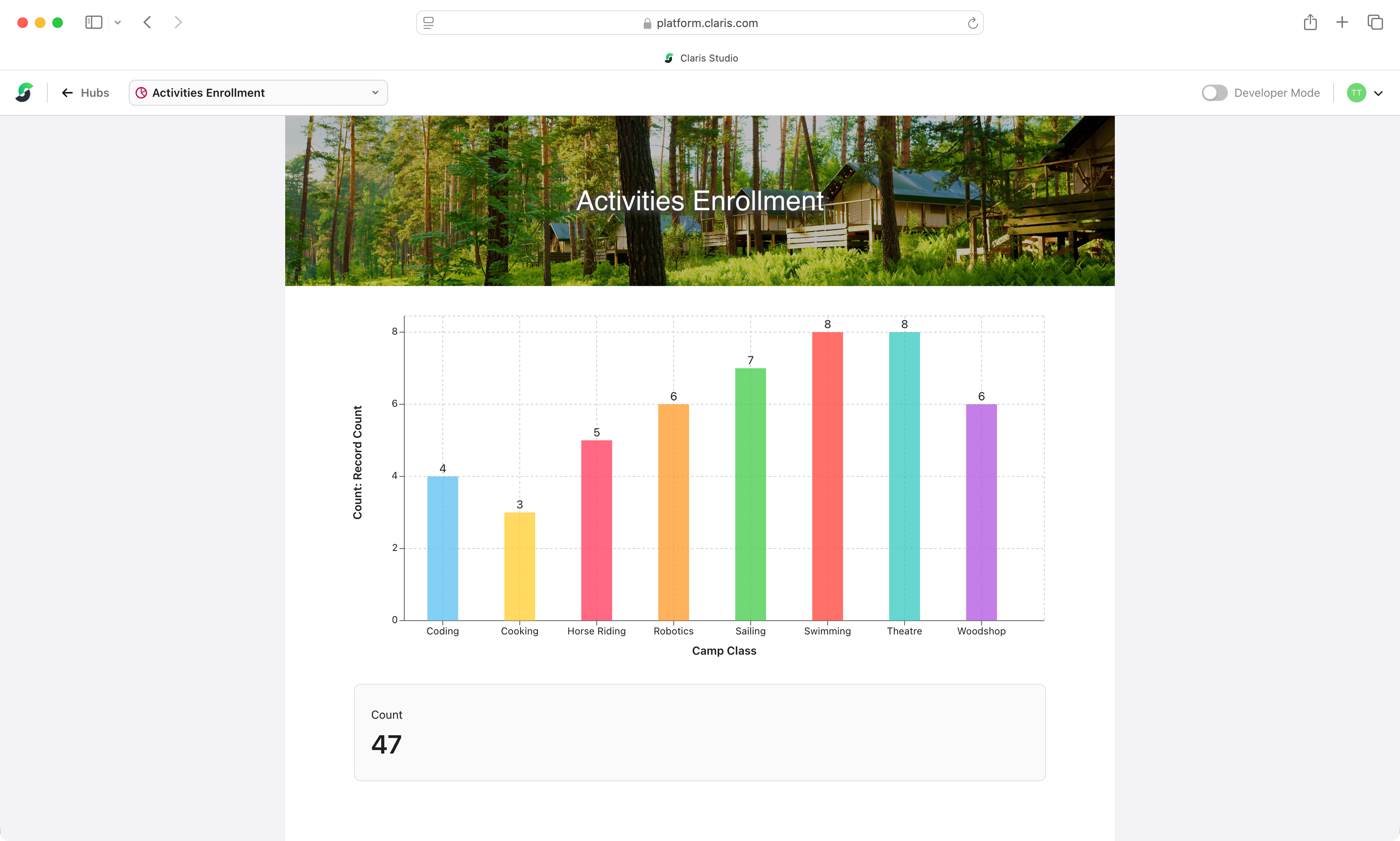
Provide simplified views and dashboards for fast, actionable understanding of your data.

Flexible views.
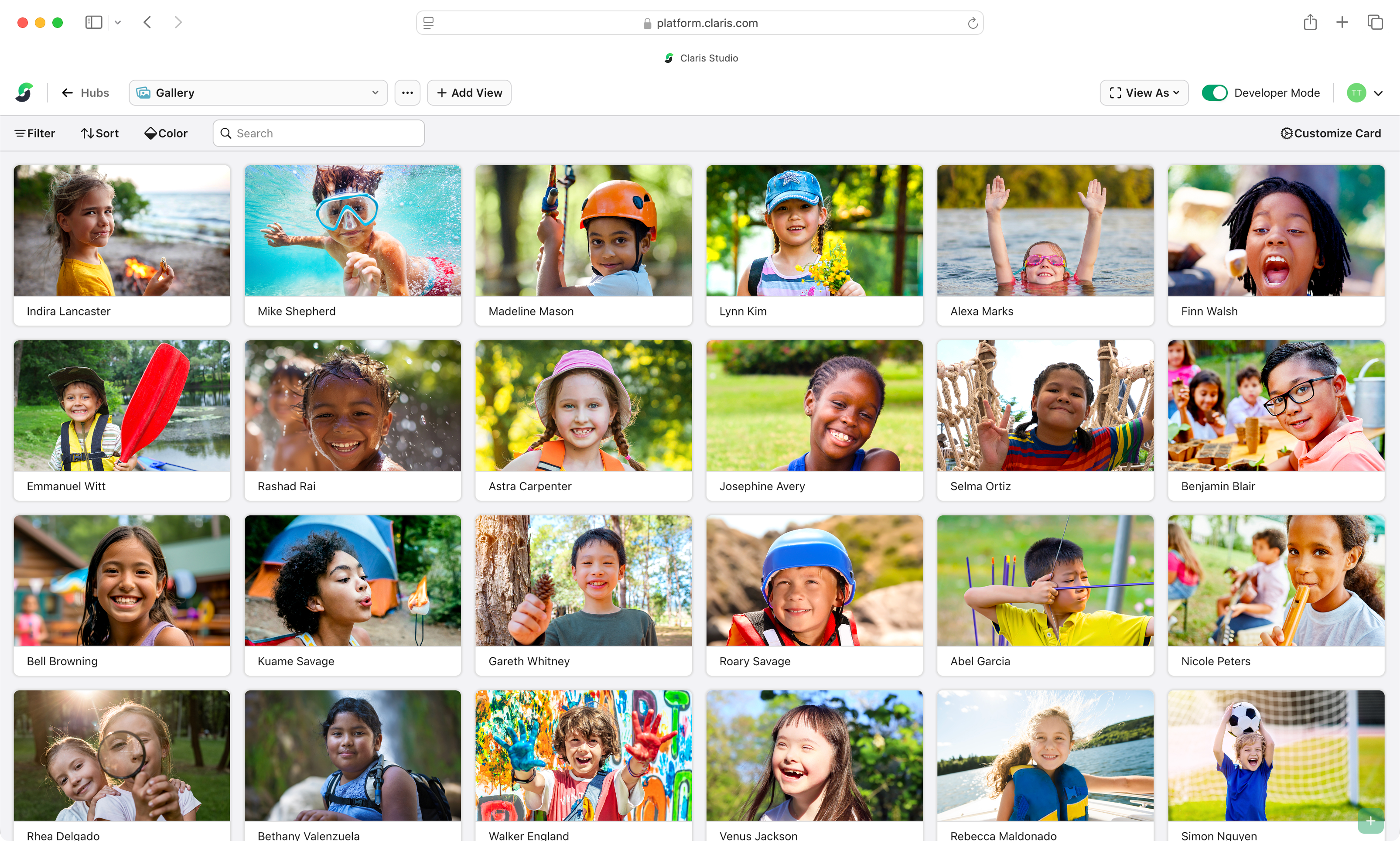
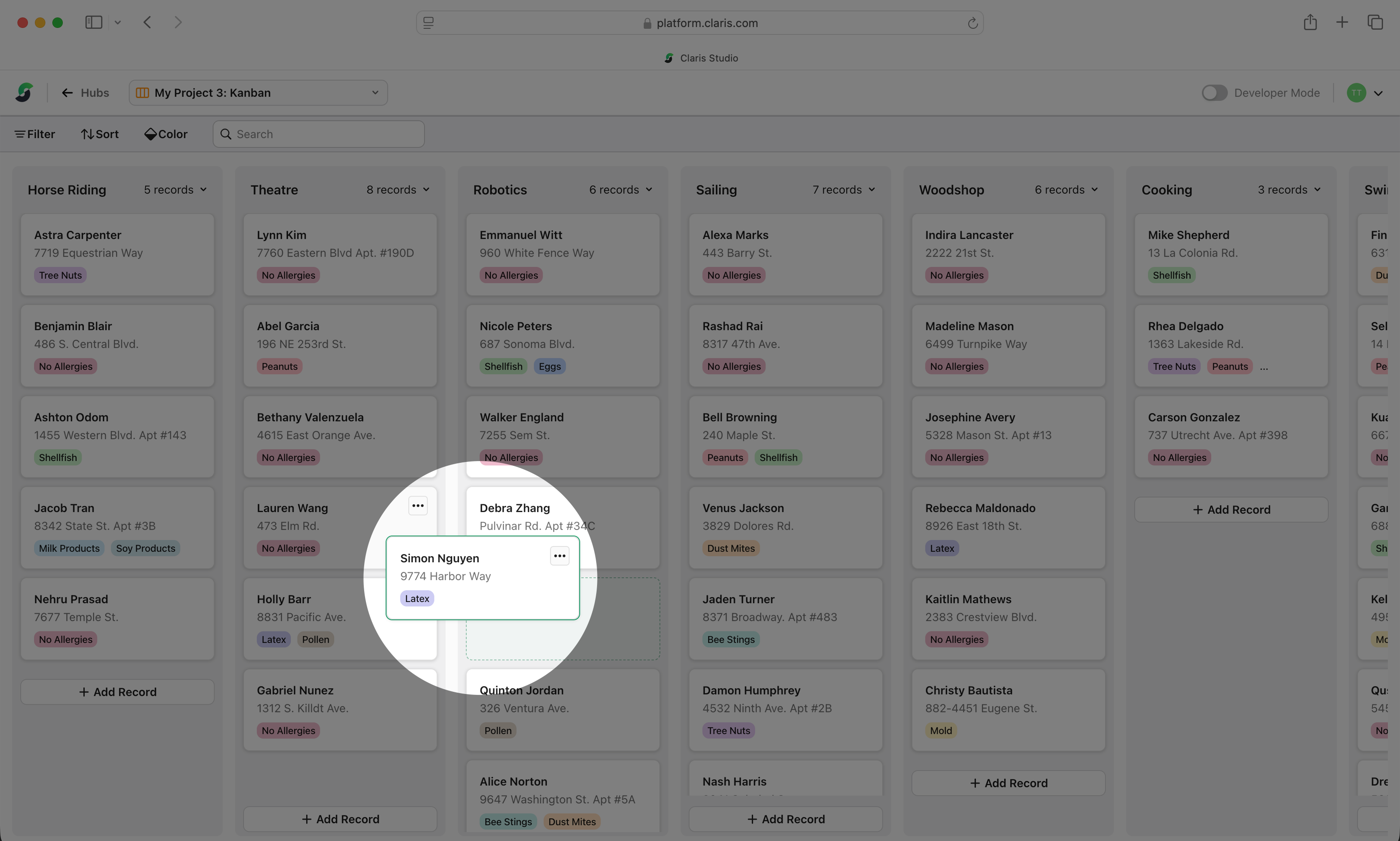
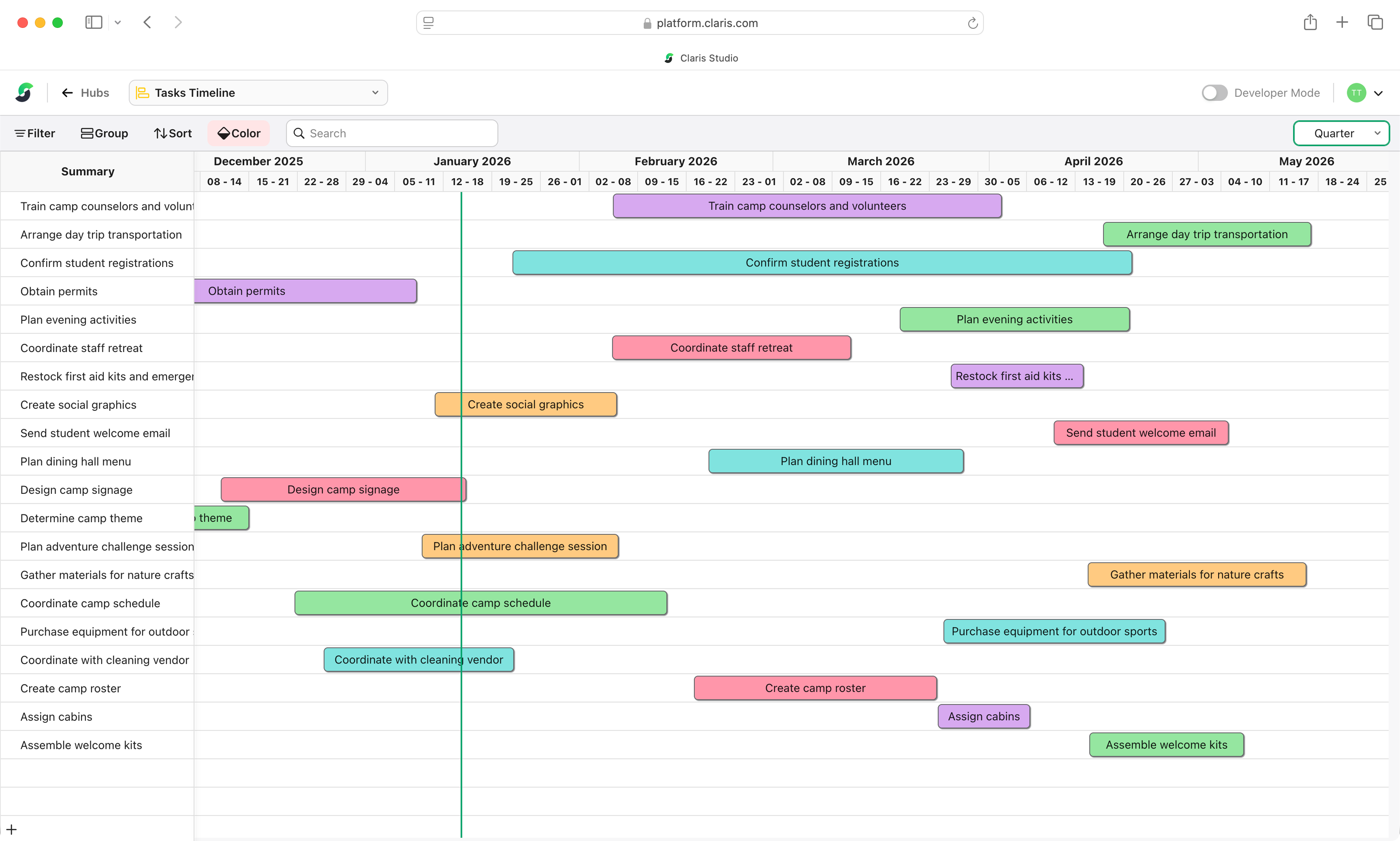
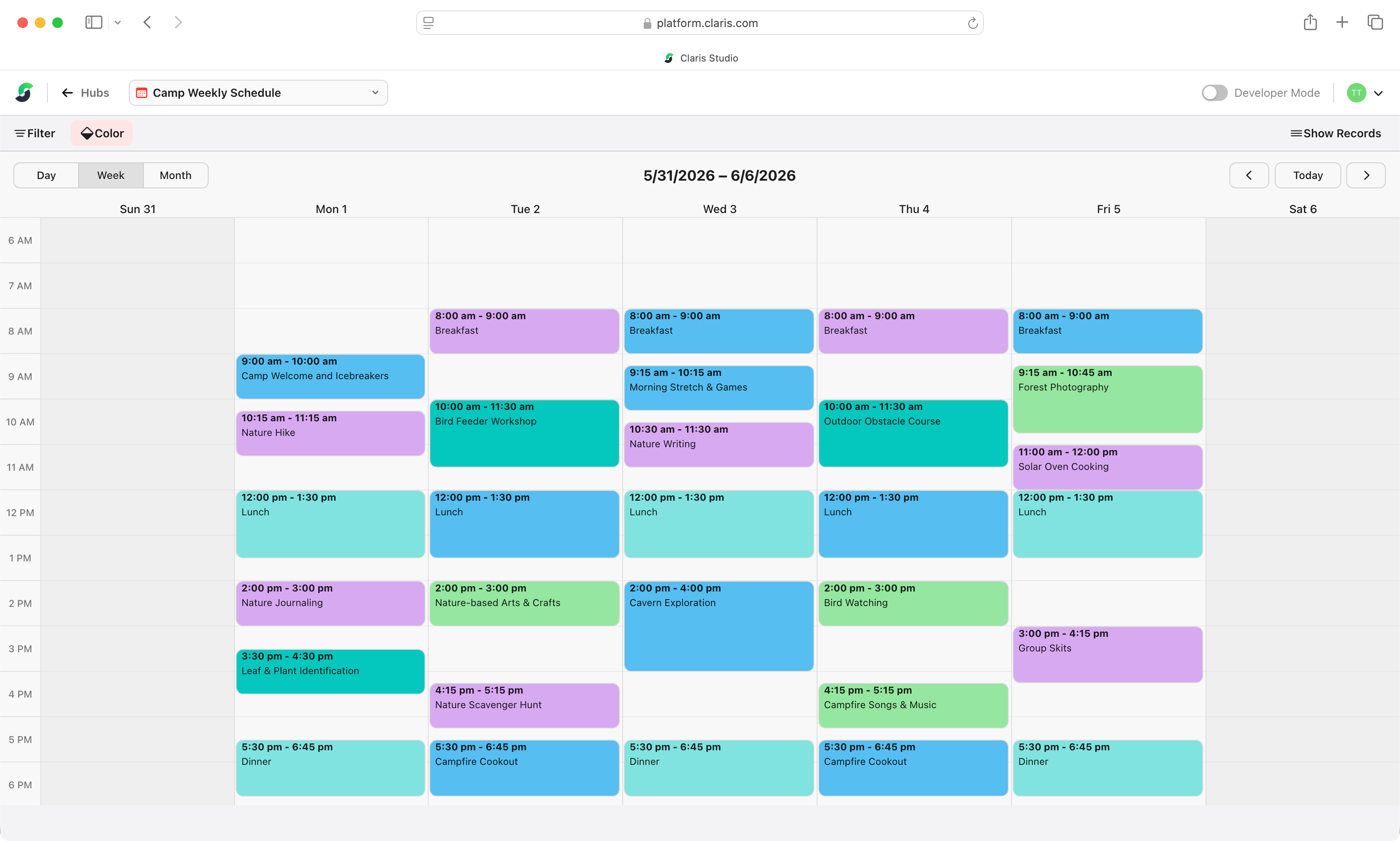
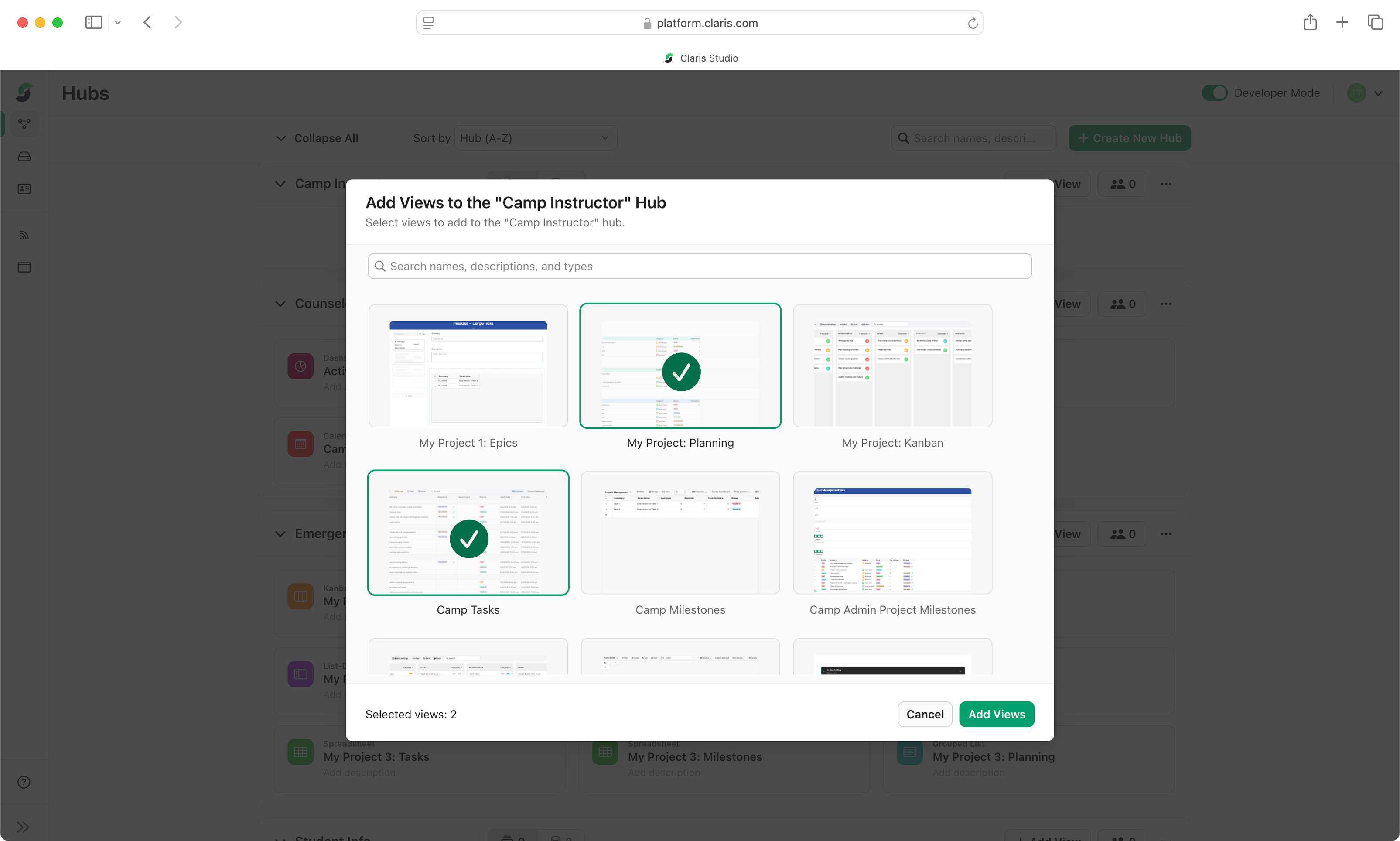
Visualize information in multiple ways: kanbans, timelines, tables, galleries, and more.
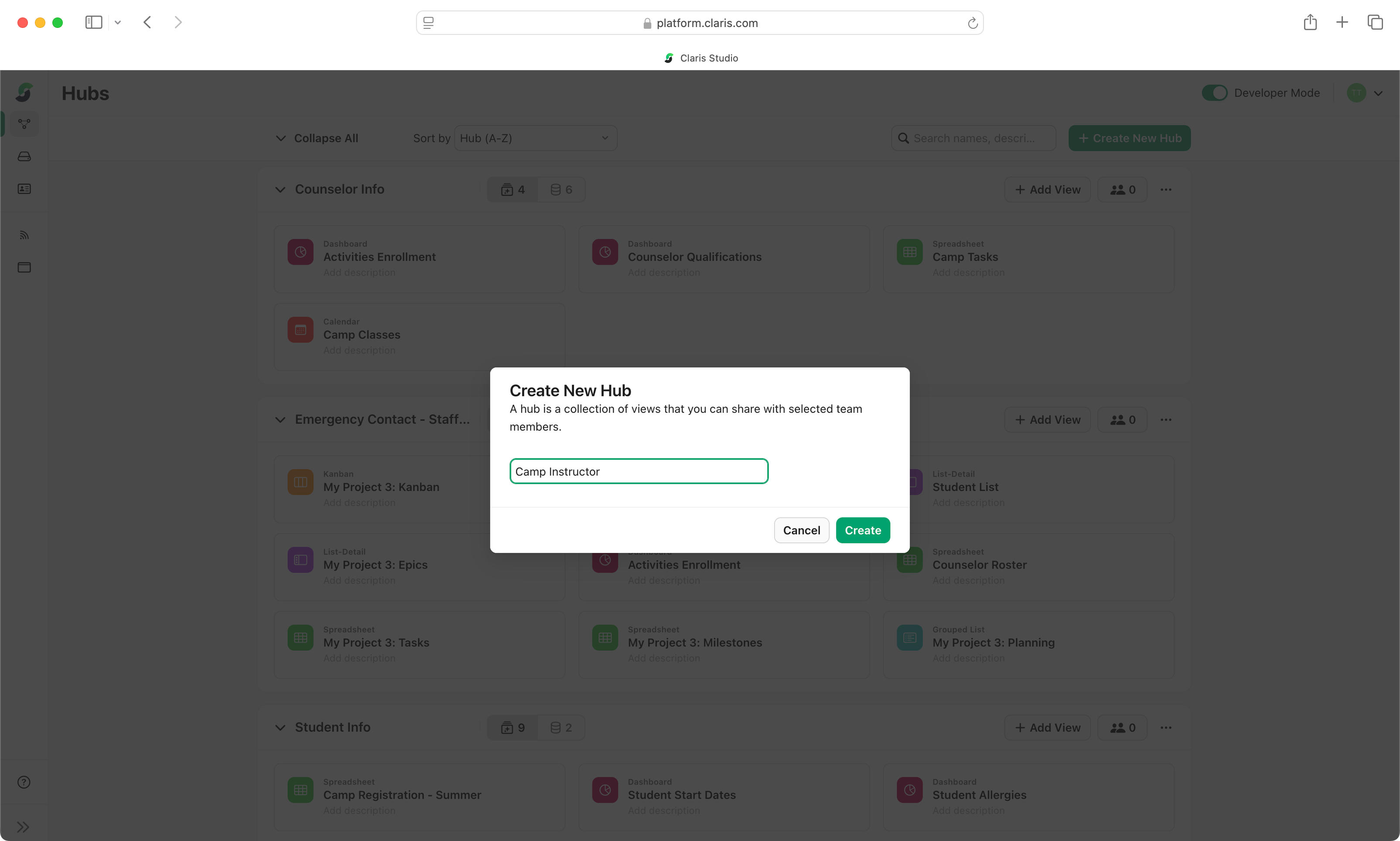
Fine-tuned permissions
through hubs.
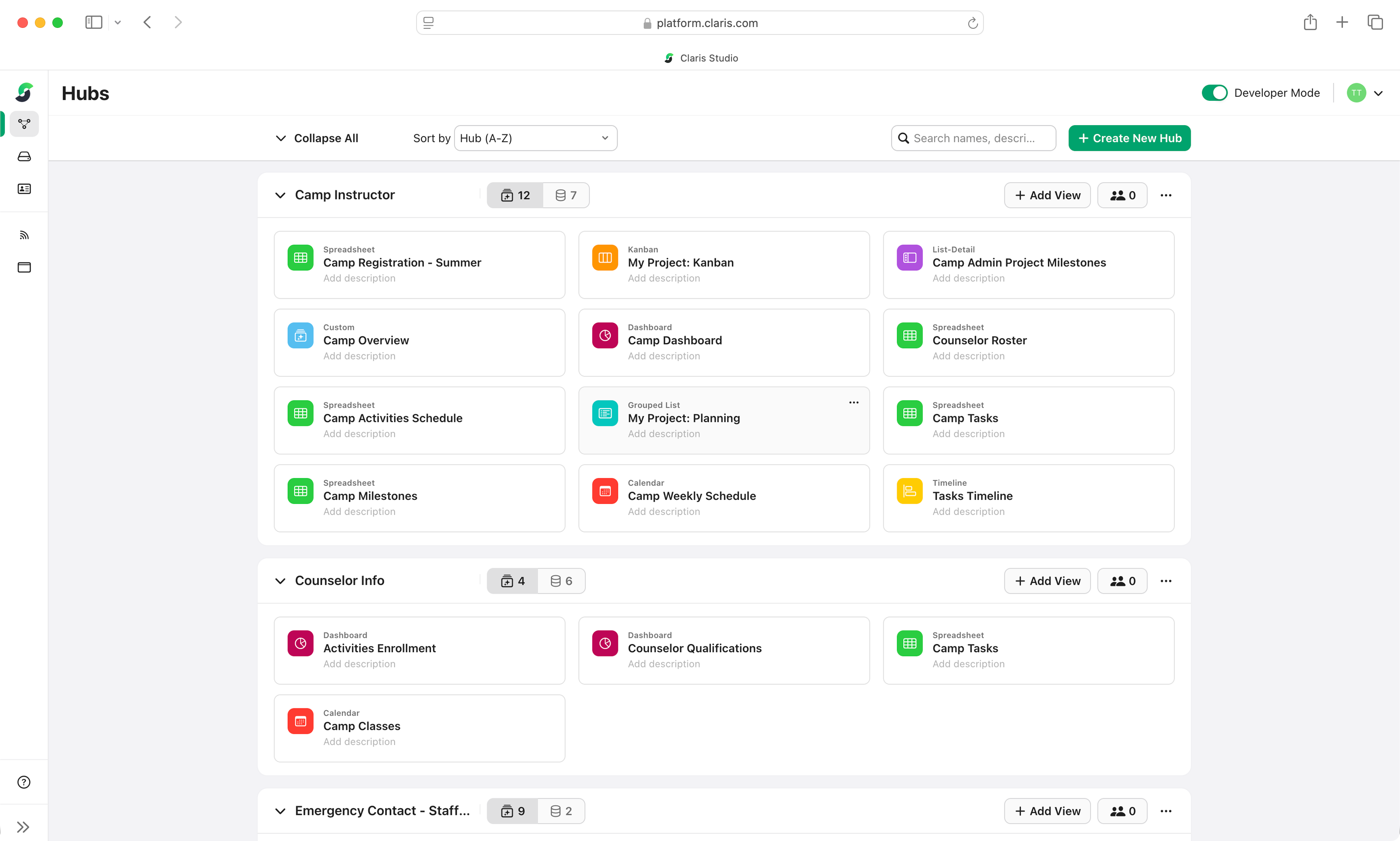
Group related views into hubs and share the right information with the right teams.
Proven impact in action.

Ready to get started?

Explore Claris Studio.
Jump-start your learning path with helpful Claris Studio resources.

Work with a partner.
Claris has 1,400+ partners worldwide ready to build custom solutions and provide consultation.

Use Claris Studio now.
Eligible FileMaker customers can access Claris Studio directly from the Admin Console or Claris Customer Console.